This command opens the BookXRefs file for editing. If the BookXRefs file does not exist, a default file is created. For information about the format of a BookXRefs file, see BookXRefs File. The file opens in the editor type specified when you originally created the BookXRefs file with the Generate BookXRefs File command; the internal editor (a FrameMaker dialog box), or an external editor (Notepad by default).
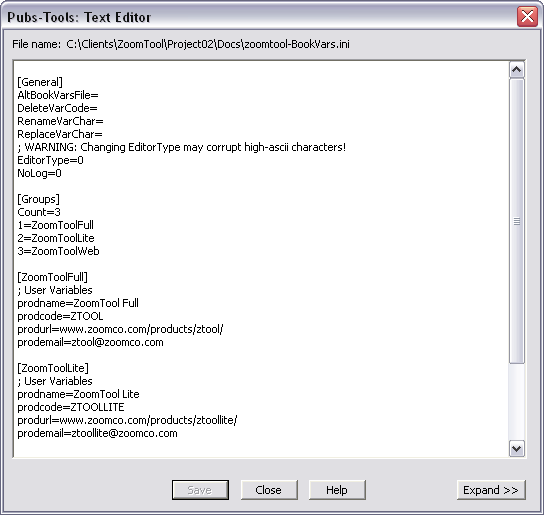
Generally, when editing a BookXRefs file, you will focus on the sections that define the xref groups. Each entry is made up of a xref name and definition. This is represented in the BookXRefs file as the following:
XREFNAME=XREF DEFINITION
Where, XREFNAME is the xref name and XREF DEFINITION is the definition. After generating a BookXRefs file, all exported xref will appear in this format. If you change the definition of a xref, then import that xref group into the book (with the Import XRef Definitions command), the new definition will replace the old one. If you add a new entry (xref name and definition) this xref will be added to the files when imported into the book. Removing an entry (both name and definition) it will have no affect on the files when imported into the book. This means that you can delete all xref entries from the BookXRefs file that you want to remain as they are. To delete xrefs from files in a book, use the DeleteXRefCode parameter as described in the BookXRefs File topic.